
BT Pay2.2.1 - AppGallery
You'll be able to see results in few seconds.
Publisher Description
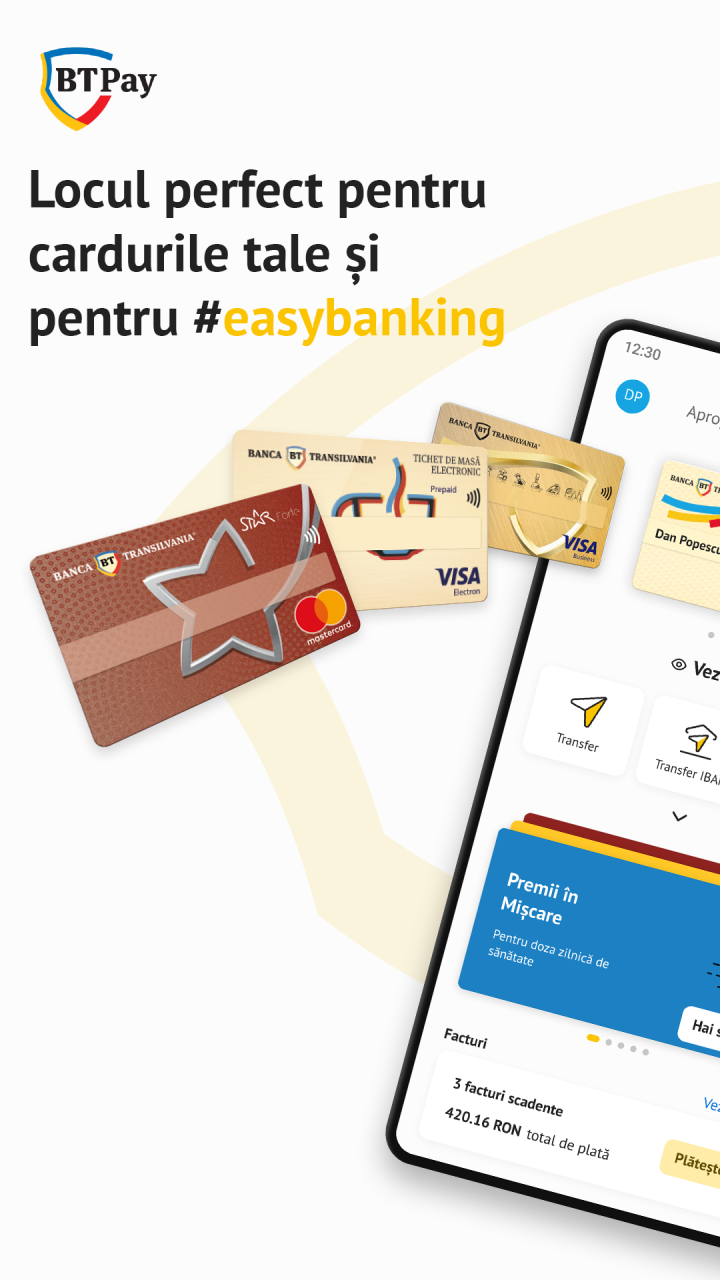
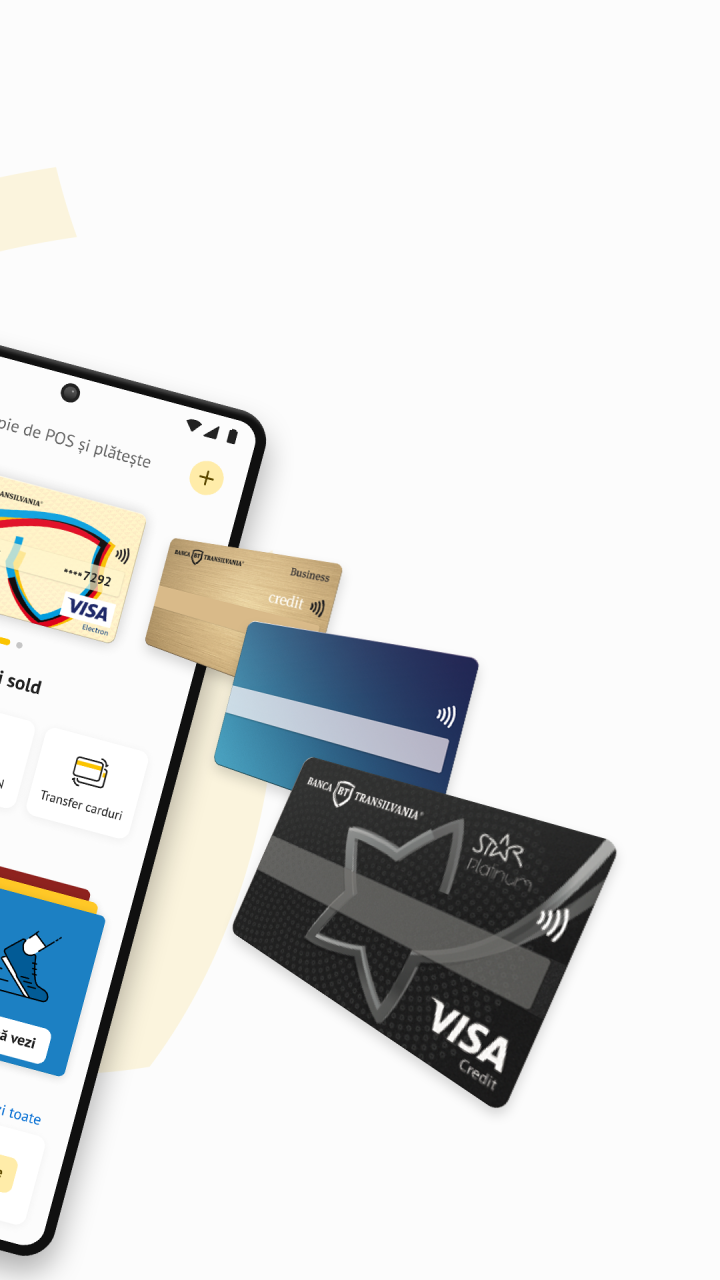
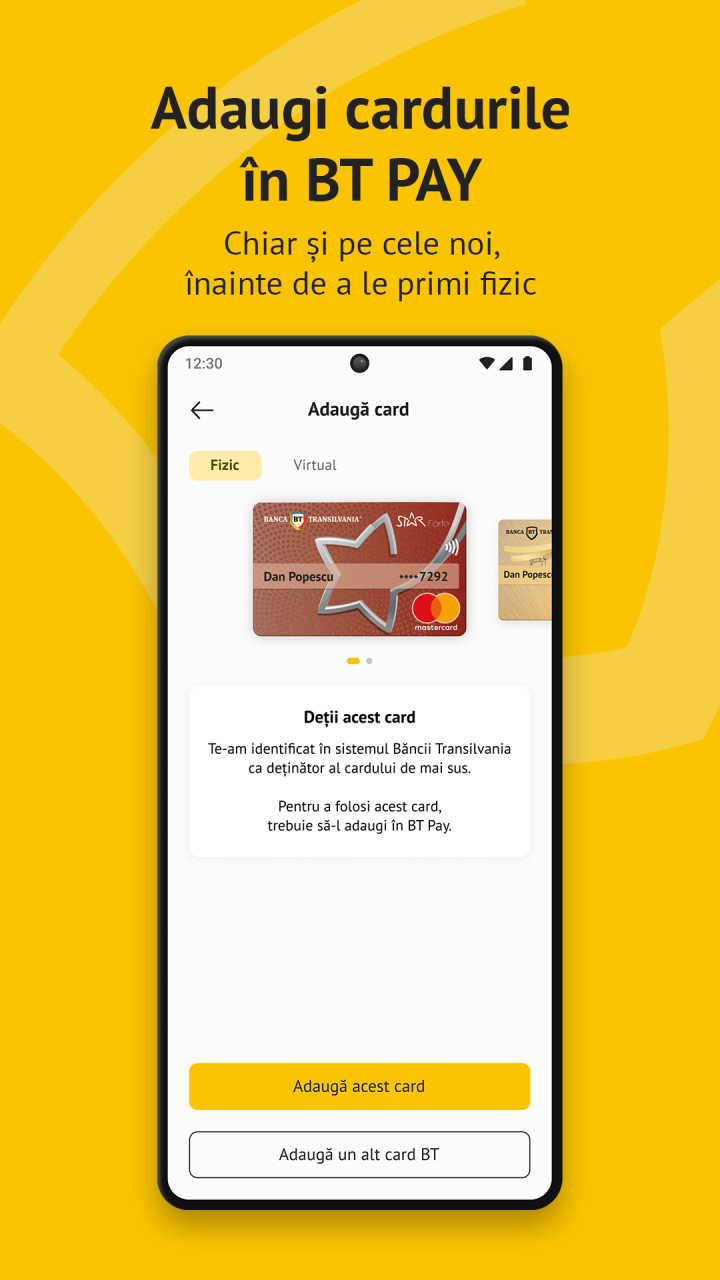
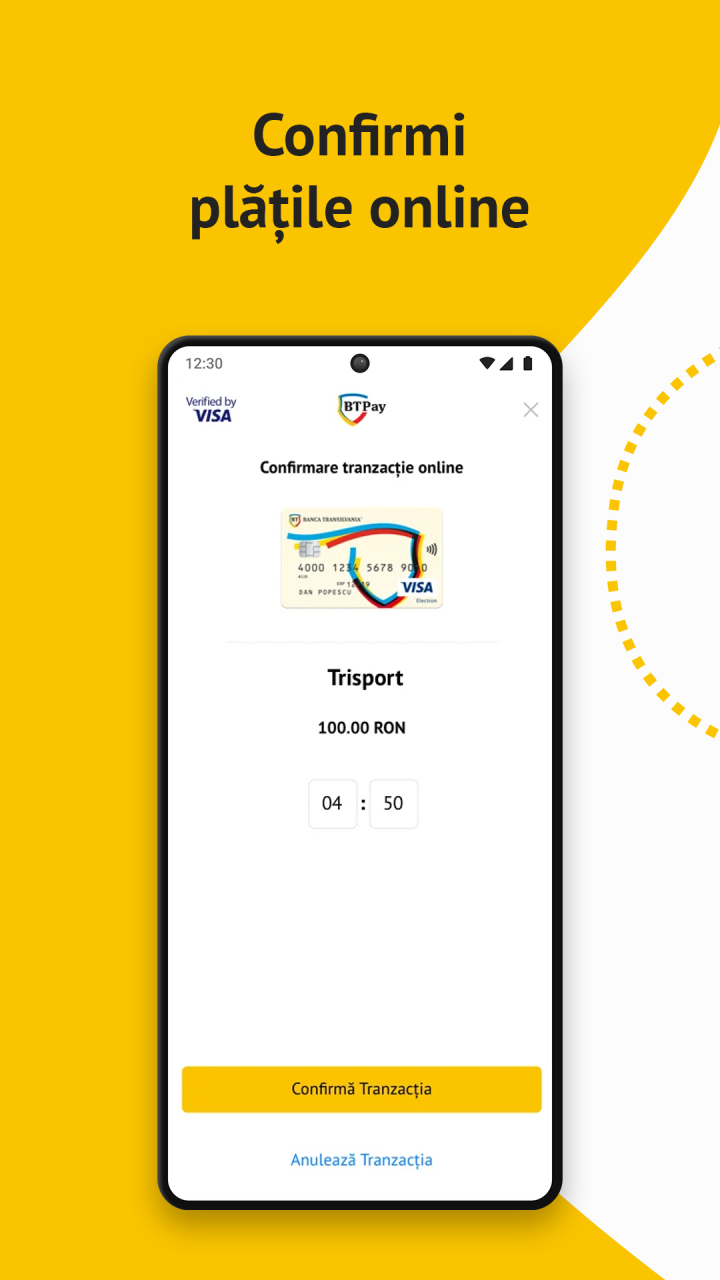
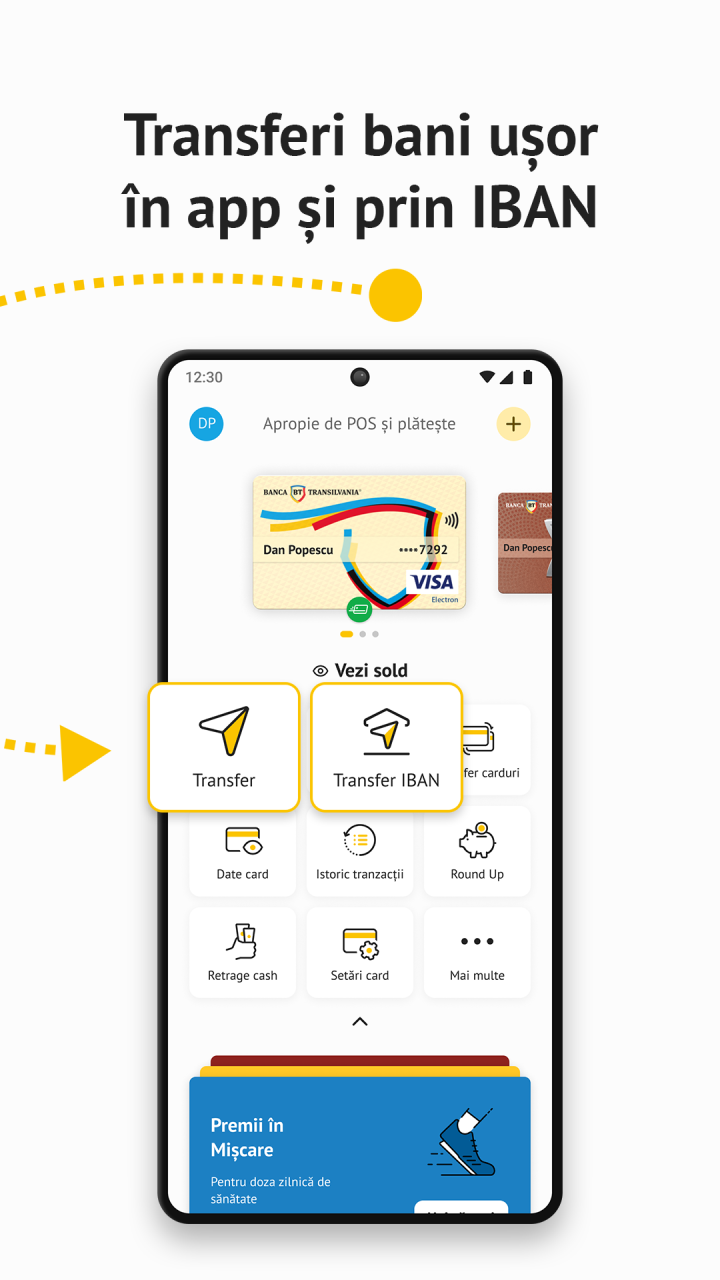
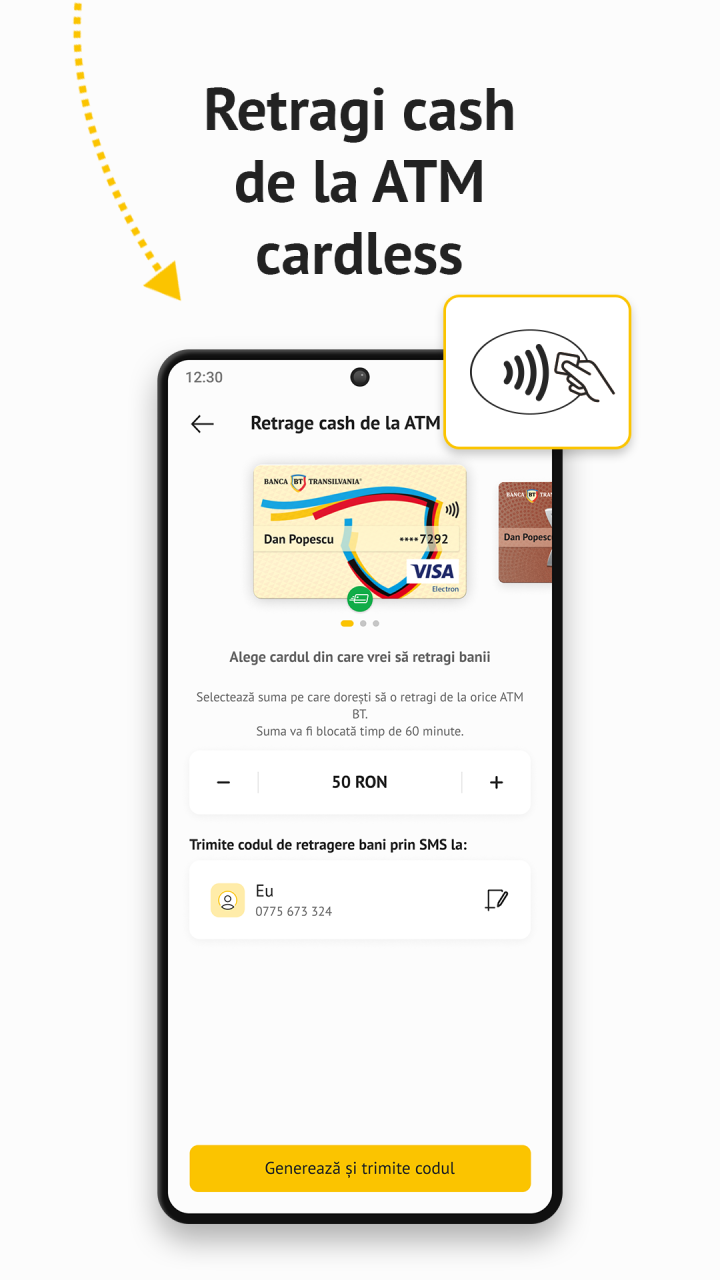
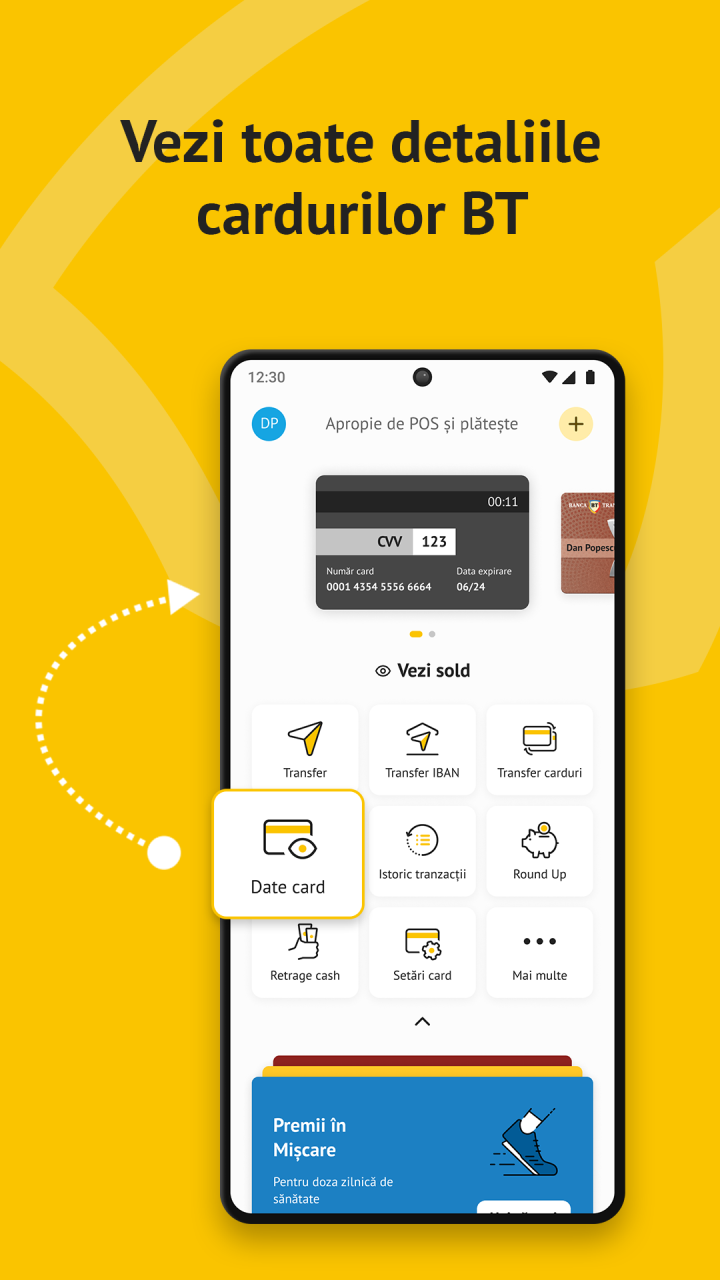
Inregistreaza-te in aplicatia BT Pay, lansata de Banca Transilvania, completand urmatoarele informatii: numarul de telefon, data nasterii si detaliile cardurilor BT pe care le doresti sa fie incluse in aplicatie, in format digital, pentru a plati cu ele contactless.
Pentru a utiliza aplicatia e nevoie ca in prealabil sa iti setezi o metoda de securitate pe telefon (pin, pattern, amprenta, etc.)
Toate functionalitatile BT Pay pot fi utilizate doar pe device-uri ce permit aplicatii Google.
Ce poti face cu aplicatia BT Pay? Multe:
• Platesti cumparaturile cu telefonul alegand oricare dintre cardurile BT inscrise in aplicatie. E simplu, rapid si fara comision;
• Trimiti bani catre cine doresti sau poti solicita sa ti se trimita bani cand ai nevoie. Tot ce trebuie sa stii pentru transfer este numarul de telefon al persoanei catre care/de la care este transferul de bani;
• Poti transfera bani intre conturile cardurilor tale BT;
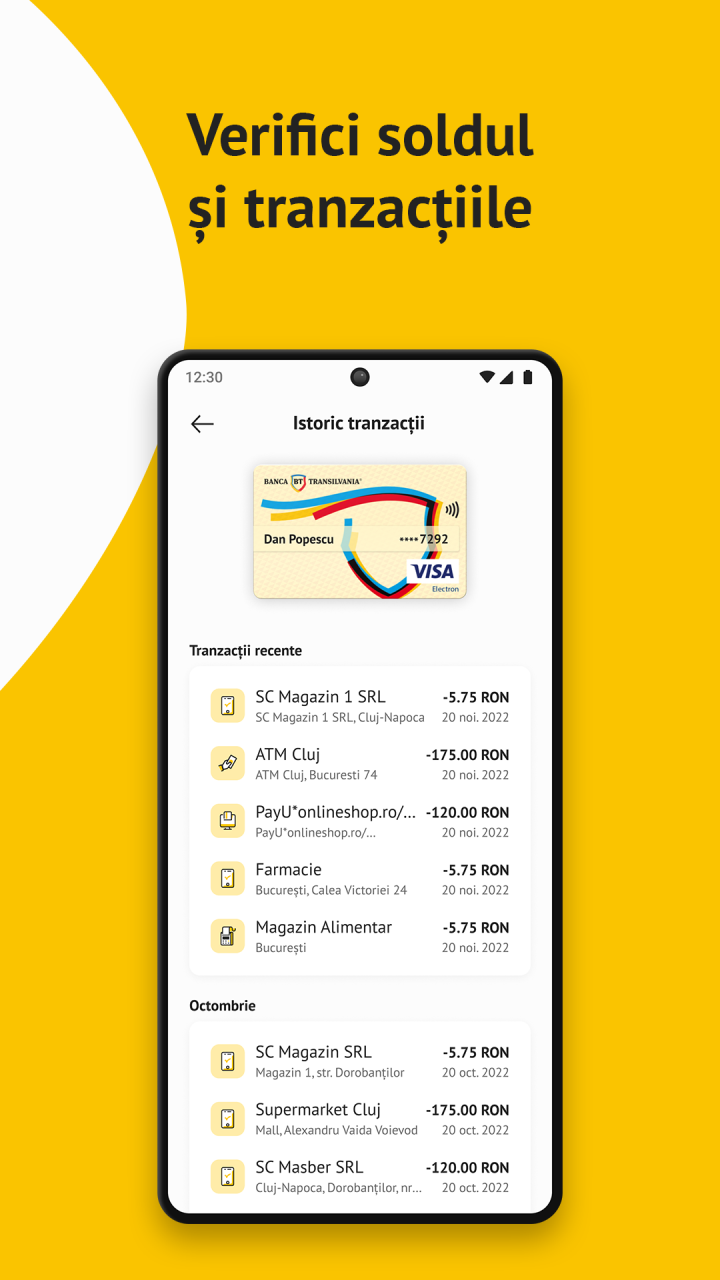
• Poti vedea istoricul tranzactiilor cardurilor cuprinse in BT Pay si cati bani mai ai pe cardul BT. Daca ai si card de credit BT, poti afla inclusiv sumele lunare de plata si cate puncte de loialitate STAR ai acumulate, pentru a le folosi ulterior la alte cumparaturi. Totul, in timp real;
• Primesti in exclusivitate oferte ale partenerilor STAR si ale BT.
Bucura-te de experienta BT Pay!
About BT Pay
The company that develops BT Pay is Banca Transilvania. The latest version released by its developer is 2.2.1.
To install BT Pay on your Huawei device, just click the green Continue To App button above to start the installation process. The app is listed on our website since 2023-01-16 and was downloaded 0 times. We have already checked if the download link is safe, however for your own protection we recommend that you scan the downloaded app with your antivirus. Your antivirus may detect the BT Pay as malware as malware if the download link to C101459501 is broken.
How to install BT Pay on your Huawei device:
- Click on the Continue To App button on our website. This will redirect you to Huawei Store.
- Once the BT Pay is shown in the Huawei Store listing of your Huawei device, you can start its download and installation. Tap on the Install button located below the search bar and to the right of the app icon.
- A pop-up window with the permissions required by BT Pay will be shown. Click on Accept to continue the process.
- BT Pay will be downloaded onto your device, displaying a progress. Once the download completes, the installation will start and you'll get a notification after the installation is finished.
Program Details
System requirements
Download information
Pricing
Version History
version 2.2.1(9158576a9)
posted on 2023-01-16
Disclaimer
Official AppGallery Link
We do not host BT Pay on our servers. We did not scan it for viruses, adware, spyware or other type of malware. This app is hosted by Huawei and passed their terms and conditions to be listed there. We recommend caution when installing it.
The AppGallery link for BT Pay is provided to you by apps112.com without any warranties, representations or guarantees of any kind, so access it at your own risk.
If you have questions regarding this particular app contact the publisher directly. For questions about the functionalities of apps112.com contact us.
